
Image-to-video example
Portrait motion
Start from one still frame and render a short, camera-aware video clip.
Input frame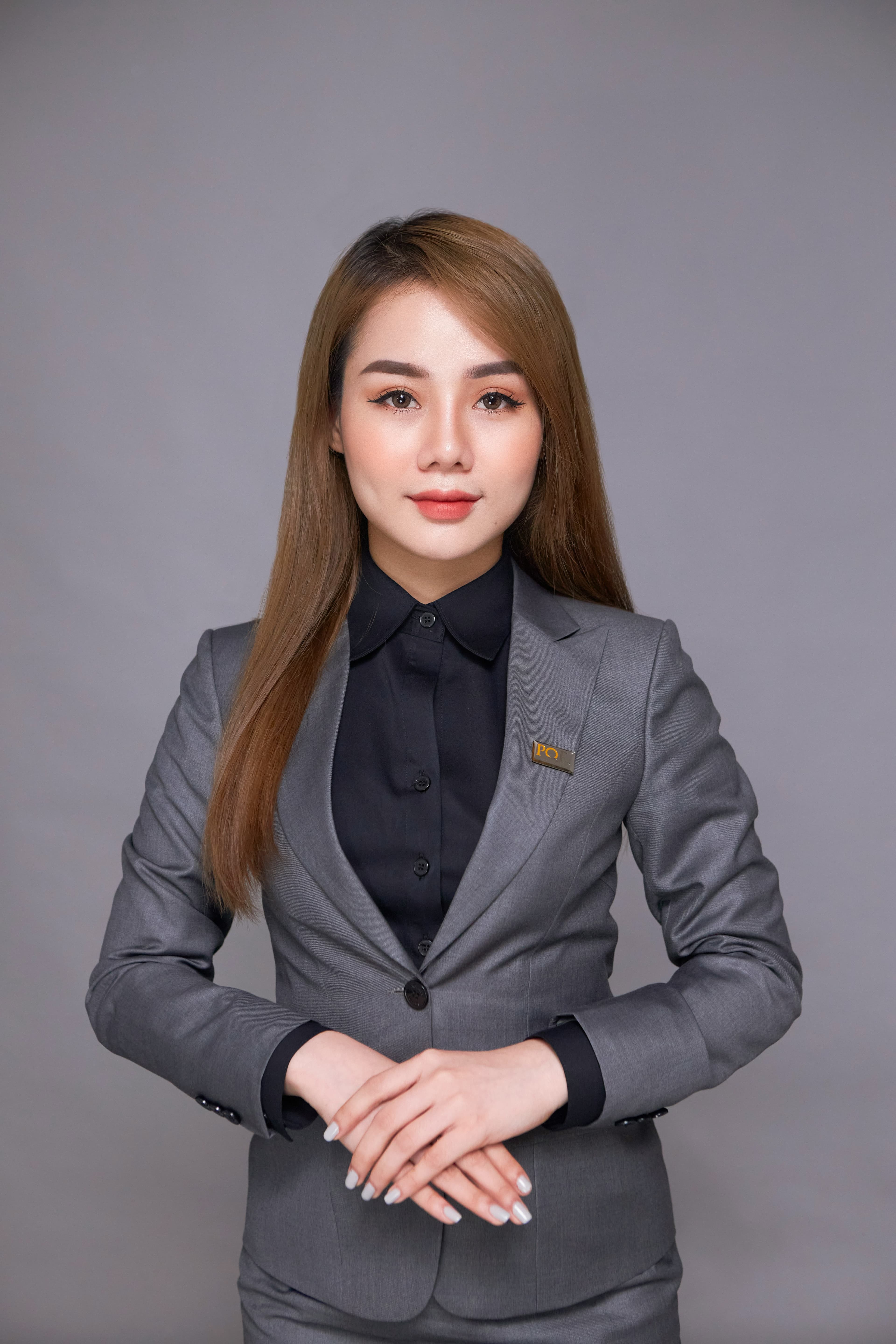
Video output
Adults-only private studio
Camai gives adult creators a hosted studio for text-to-image, image-to-image, and image-to-video. Start from a prompt or upload, iterate fast, and move from stills to short clips without a public feed.
01
Modern pipelines
Text-to-image, image-to-image, and image-to-video stay connected inside one account.
02
Privacy as a product feature
Your work stays inside a personal workspace with clear retention rules and no public gallery.
03
Hosted studio
Get the upside of ComfyUI-style workflows without managing a fragile local graph stack.
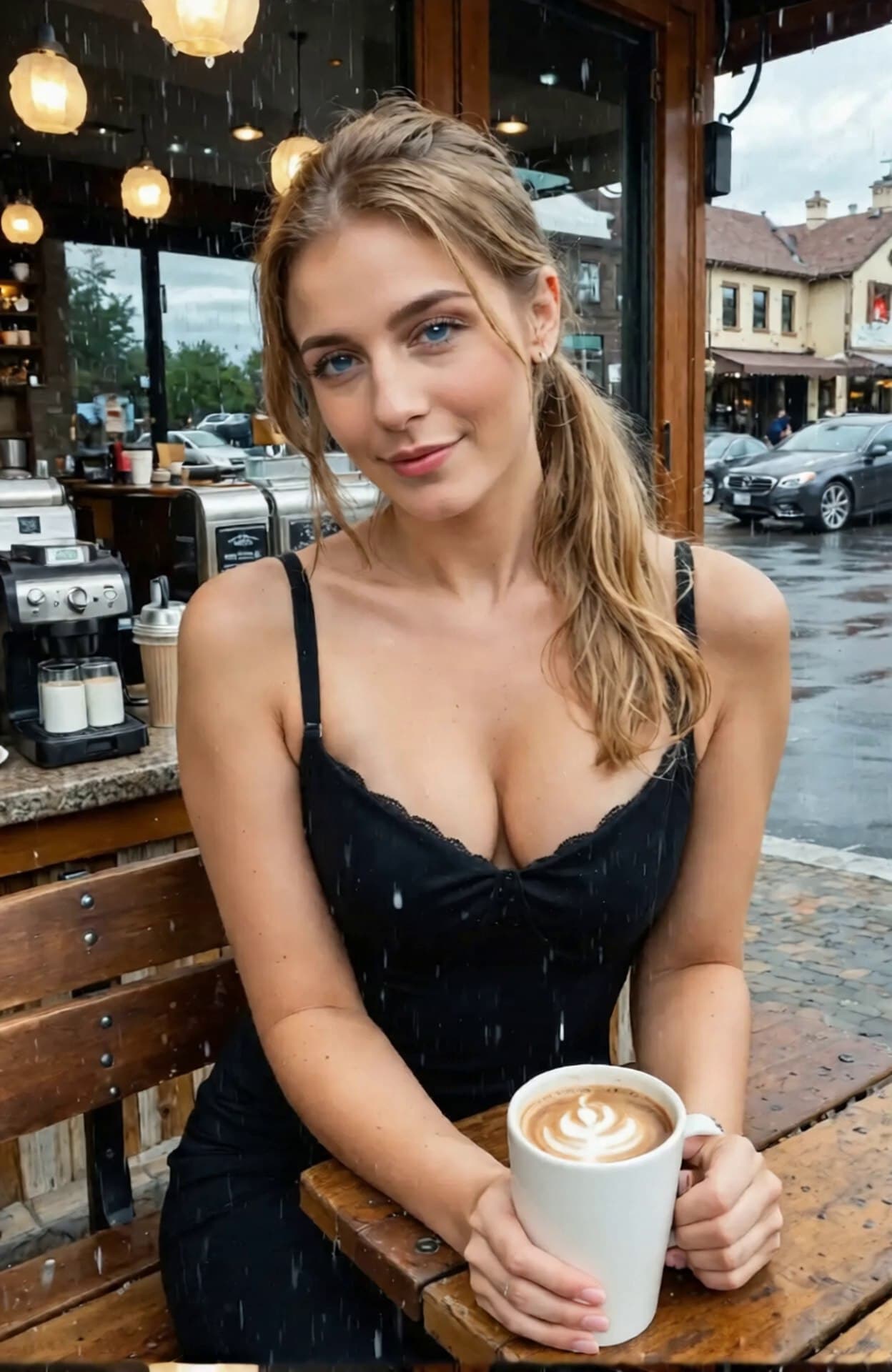
Original image
Upload one still and keep the subject, framing, and mood consistent through the full workflow.
Start with:
Private library
Saved for 12 hours
Download what you want to keep.
Tool stack
Prompt to video
Prompt, refine, and animate in one place.
Core workflows
The stack stays technical under the hood, but the product stays clean: concept, refine, animate, and download in one account.
Concepting
Step 1Use text-to-image for concepting, then carry the same character into still and motion workflows.
Open toolRefinement
Step 2Push identity, lighting, styling, and composition before you move into video generation.
Open toolMotion studio
Step 3Upload a keyframe, steer the motion prompt, and render image-to-video without touching a raw graph.
Open toolCharacter tools
ExtensionCreate wardrobe and character variations in the same private account-linked workflow.
Open toolCurated outputs
Image-to-video example
Start from one still frame and render a short, camera-aware video clip.
Image-to-video example
Use a polished source frame to generate cleaner motion and steadier output.
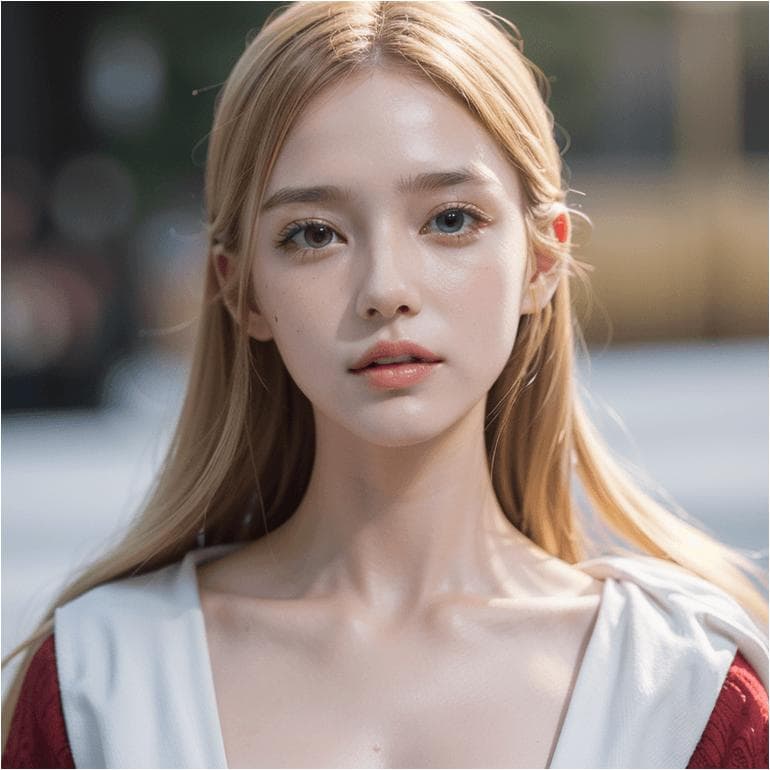
Image-to-video example
Keep the same character while pushing mood, styling, and movement into video.
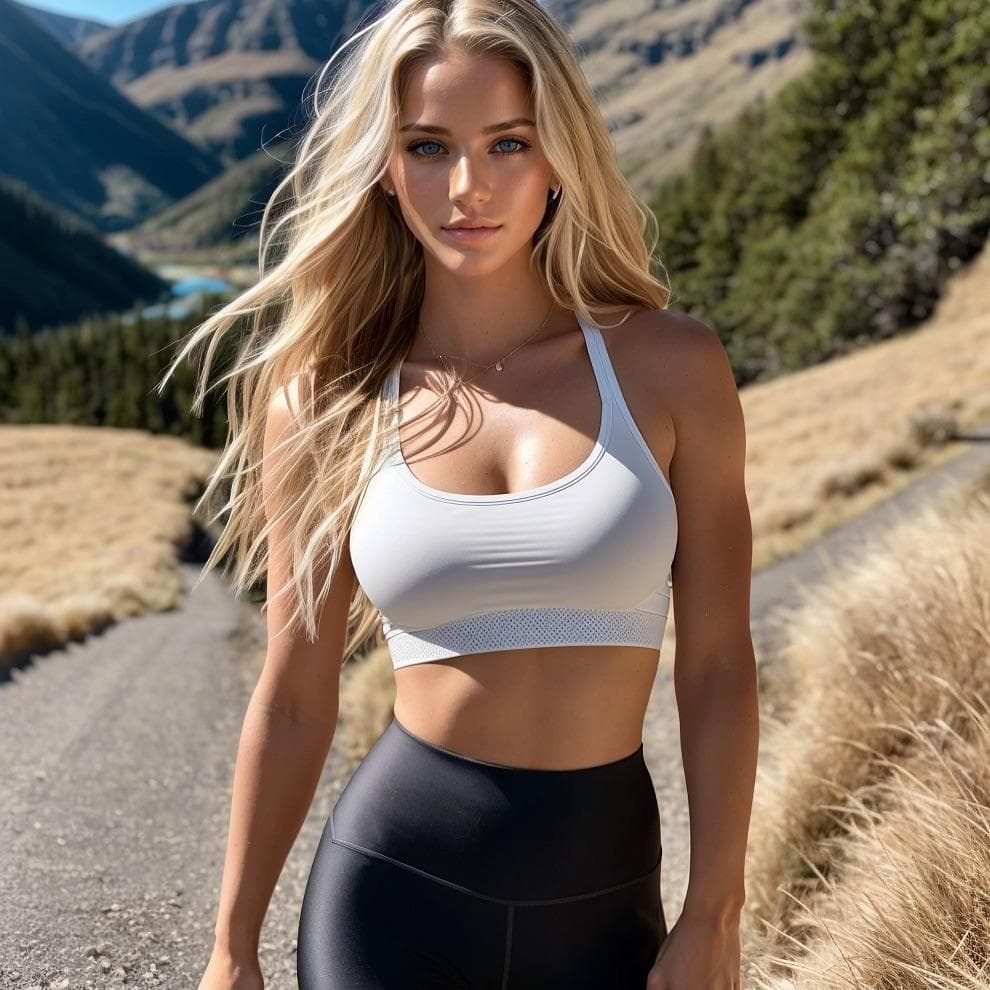
Image-to-video example
Turn a studio-ready still into a polished short motion clip for quick iteration.
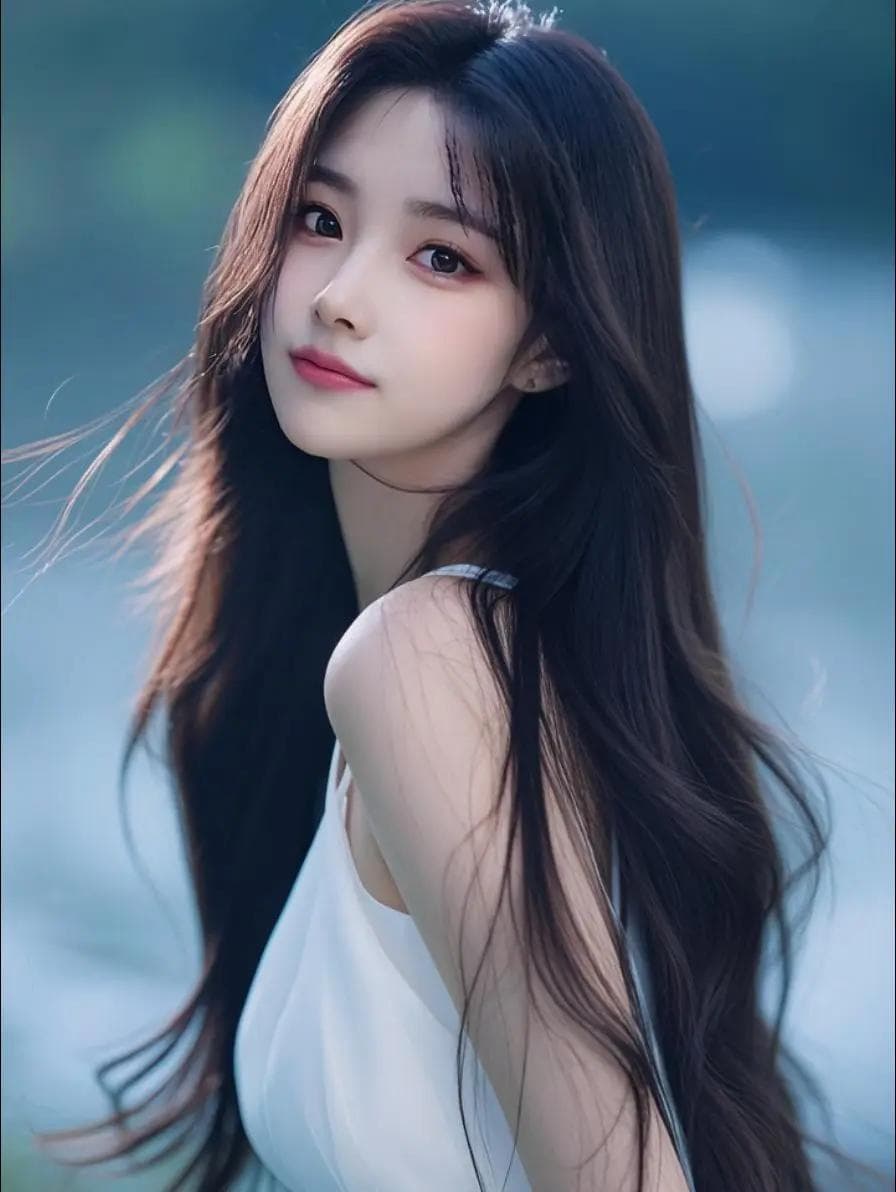
Image-to-video example
Animate a wardrobe-focused still into a smooth clip while keeping subject identity stable.

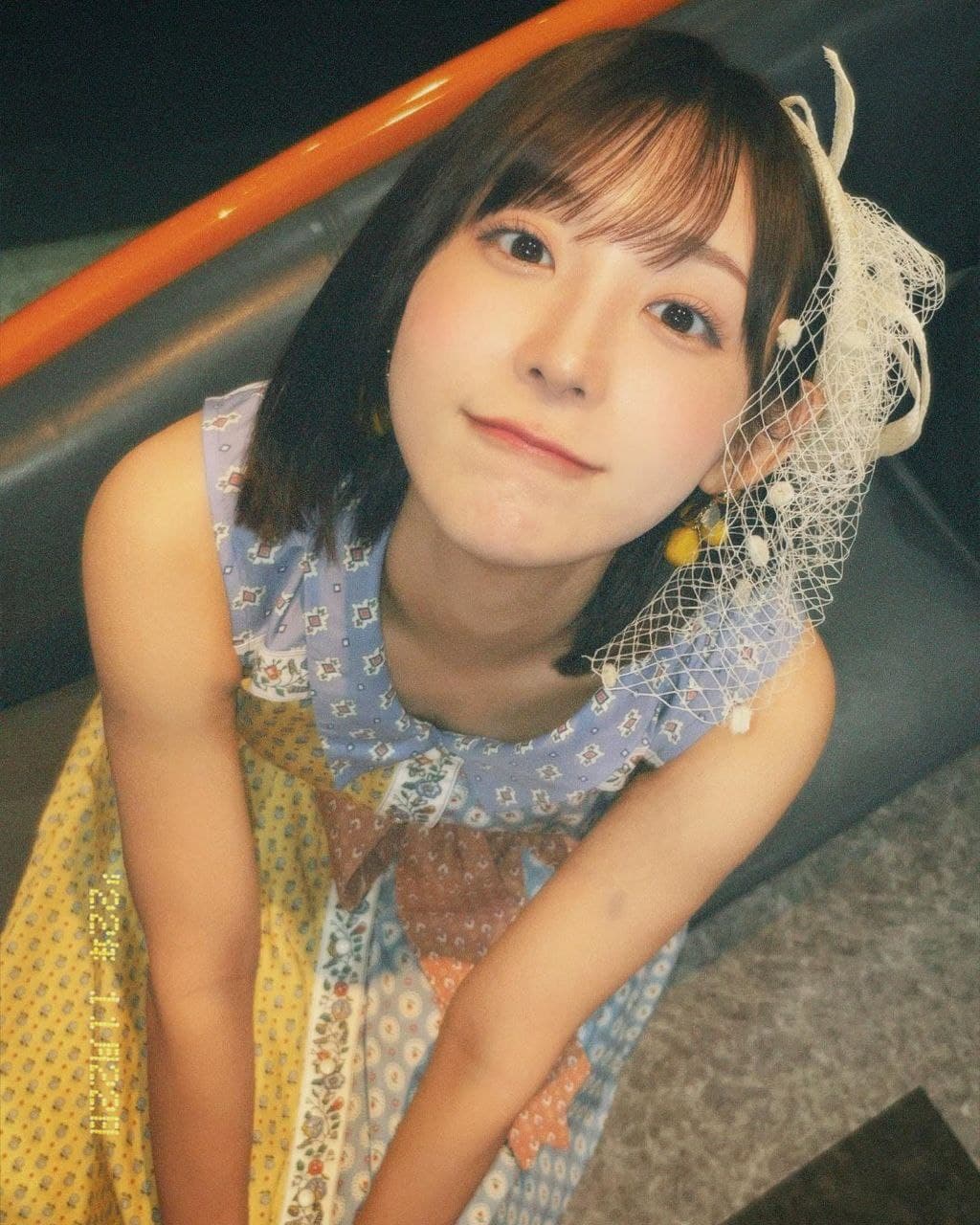
Image-to-video example
Convert a locked frame into short motion and compare timing and expression quickly.
Quick answers for adults using Camai. Pages include metadata for discovery (18+ rated).
Camai is an adults-only web app that runs our AI pipelines so you can generate NSFW images and video in private. You must be 18+.
Yes. The service is intended for adult fantasy and explicit AI-generated media. Do not use it where adult content is illegal.
Create an account with a username and password. You will be asked to confirm you are 18 or older before using the site.
Payments may be a placeholder during beta. Generation runs on our API—the same routes you use in development.
We do not keep your prompts or uploads on our servers. Finished videos from Image → video can be listed on your Profile for about 12 hours so you can download them; after that they are deleted automatically. Other tools may only return results to your browser—download anything you want to keep.
The service is provided for personal study and research only. It is not offered as a commercial content service, professional tool, or substitute for legal or expert advice.
You are solely responsible for any images or videos you create, download, or share. Camai does not review or endorse outputs and is not liable for how you use generated media, including compliance with law in your region.
Privacy-first studio
Image-to-image, image-to-video, coherent motion, and short-retention downloads, without a public feed.